Account and workspace
Workspaces
A Tandem workspace holds one organization's roles, candidates and chats. You can have several and switch between them at any time.
One person per workspace
Each workspace belongs to one Tandem user, and workspaces aren't shared. To involve interviewers from outside Tandem, add them as interview guests.
Related: Scheduling and your calendar
Switch workspaces
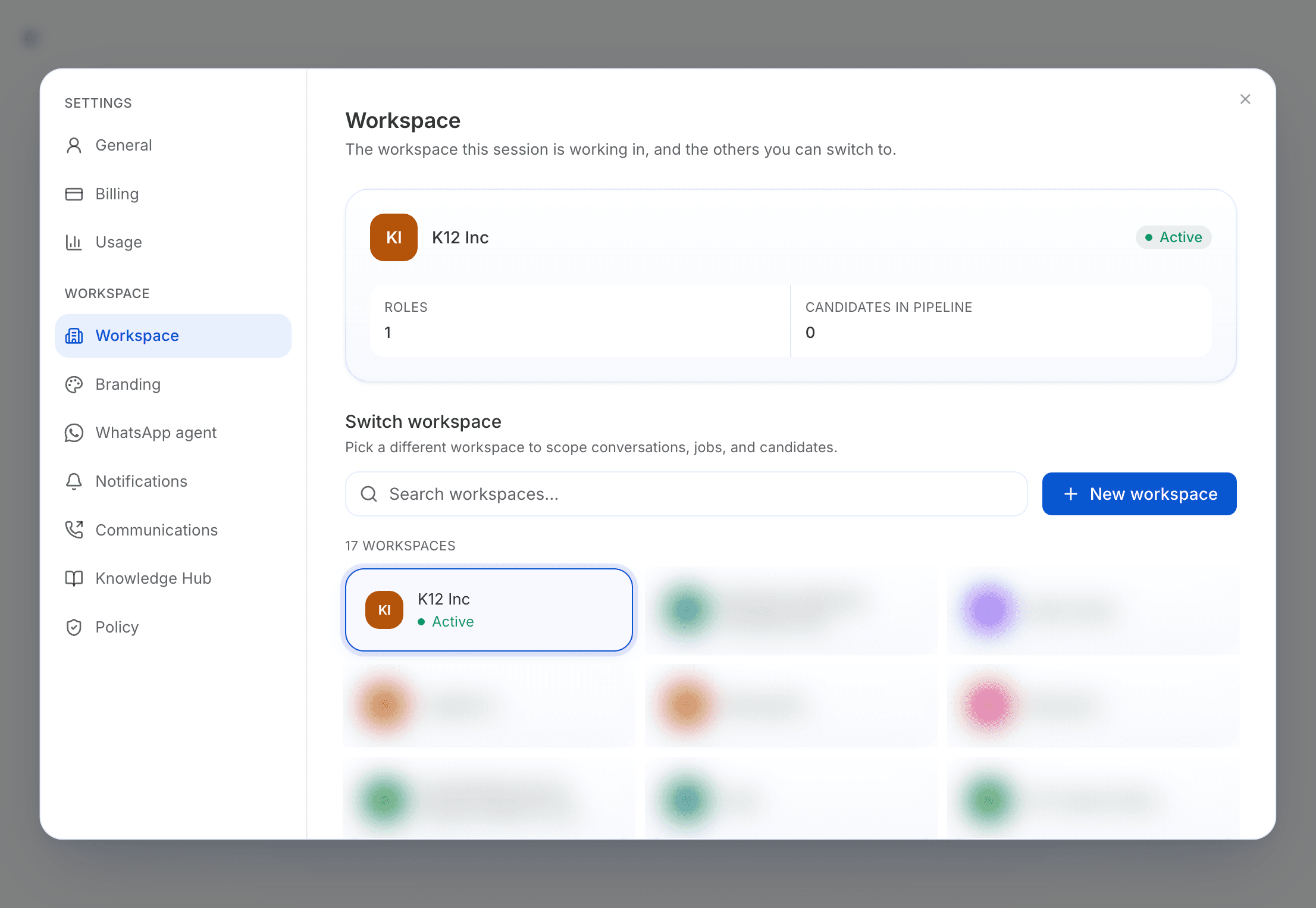
Open Settings → Workspace
The top card shows the workspace you're in.
Choose a workspace
Under Switch workspace, select one, or use Search workspaces to find it.
The whole app switches to that workspace. Nothing is lost.
Create a workspace
In Settings → Workspace, select New workspace. Tandem asks for the same company details as when you first signed up.