Set up the AI interview
Set up the AI interview in Tandem: write the questions, pick the language and choose whether candidates need the camera.
The AI Interview stage is a structured interview that candidates take in their own time. Tandem asks your questions, then records, transcribes and scores the interview.
Edit the stage
Open the stage
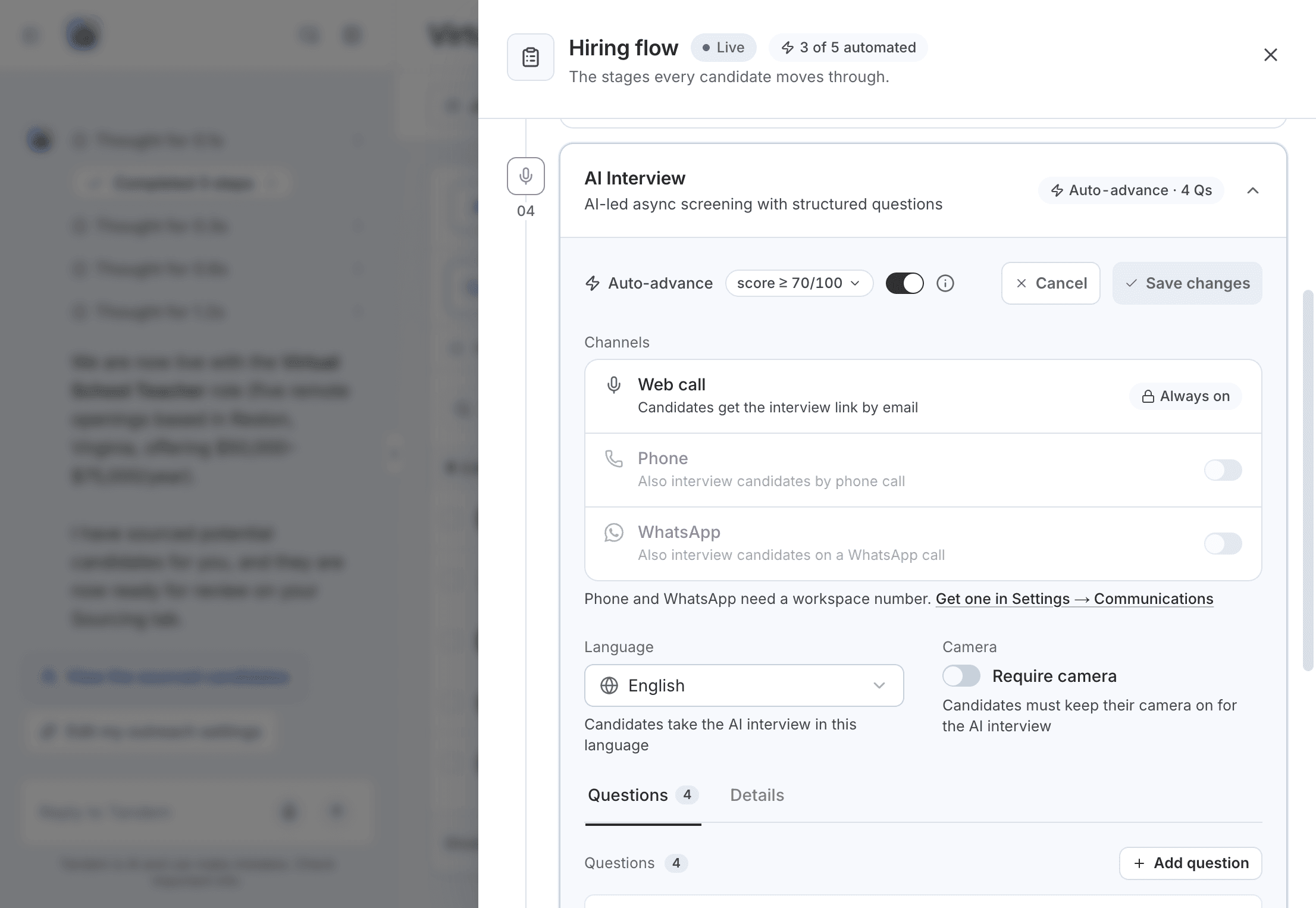
Open the role, click Hiring flow, expand AI Interview and click Edit stage.
Write the questions
Add the questions Tandem should ask, and give each one an importance of High, Medium or Low.
Choose the language and camera
Pick one Language for the stage: English, Spanish, French or Hindi. Turn on Camera if candidates must be on video. Need another language? Choose Request a language.
Save
Click Save changes. On a live role, changes apply to candidates who reach the stage afterward.
You can also ask Tandem in the role's chat, for example "Add a question about classroom management to the AI interview."
Auto-advance
Each interview gets a score out of 100. With Auto-advance on, candidates at or above your bar move on, and everyone else waits for you in Needs review. A suggested starting bar for AI Interview is 70.
Related: Needs review · Scoring and auto-advance
Invites and credits
AI interviews use credits: 20 credits per 10 minutes. Tandem reserves credits when it sends an invite and releases them if the invite isn't used within 7 days. An unused invite then shows in Needs review as Invite expired.
Related: Reserved credits