Start advertising a role
Start a Tandem job ad from a live role's Advertise panel: choose a pack and a strategy, then click Start advertising.
Before you start
The role must be live, and you need enough purchased credits for the pack. Plan credits can't be used for ads.
Related: Plan credits vs purchased credits
Start the ad
Open Advertise
Open the live role and click Advertise.
Choose a pack
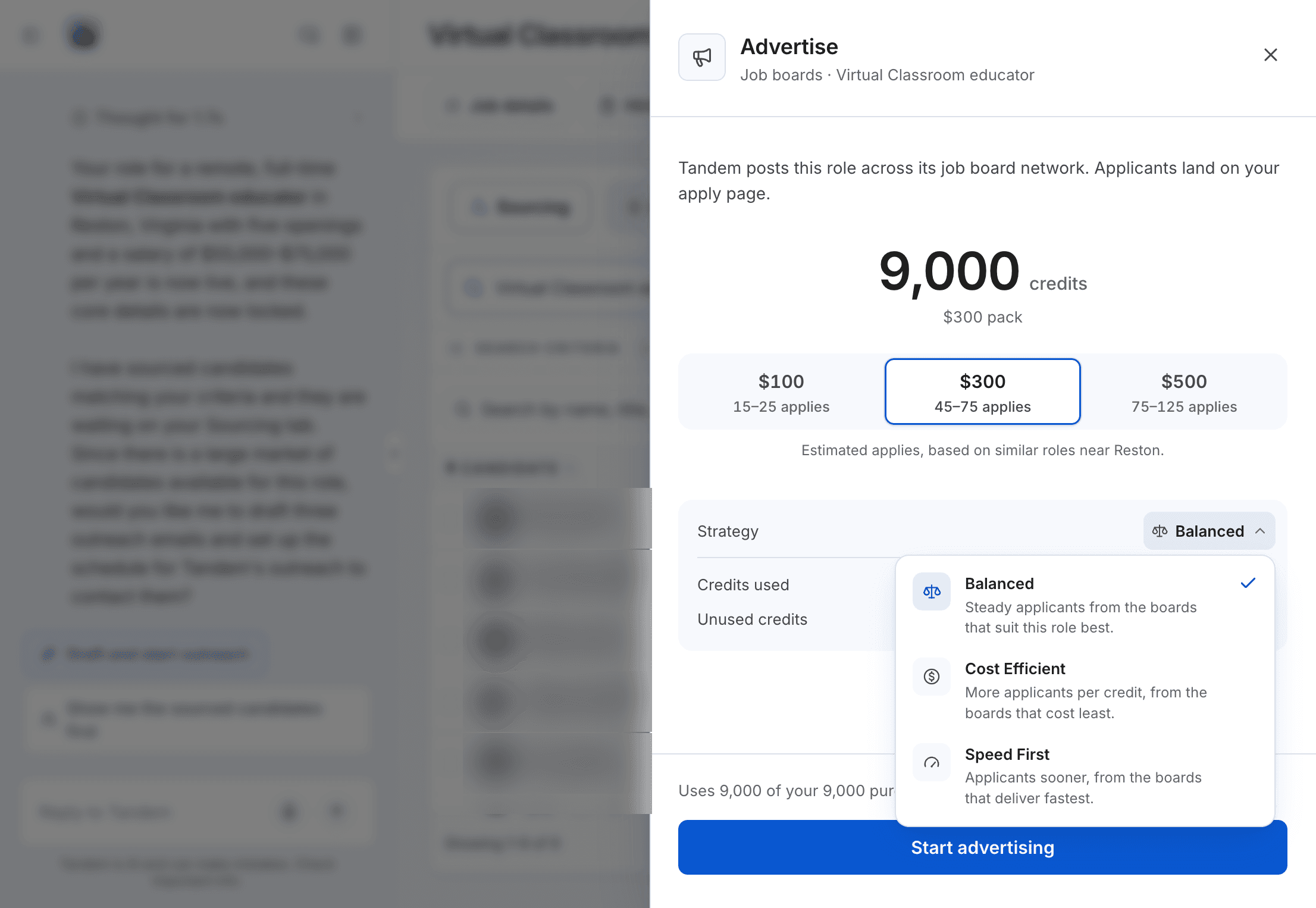
Each pack shows how many purchased credits it uses and an estimate of the applicants it may bring. If you don't have enough credits, the panel shows how many more you need; buy credits first.
Choose a strategy
Balanced: steady applicants from the best-suited boards.Cost Efficient: more applicants per credit, from the cheapest boards.Speed First: applicants sooner, from the fastest boards.
You can't change the strategy once the ad starts.
Start advertising
Click Start advertising. Tandem reserves the pack's credits for the role and uses them as the ad runs, for 30 days.
Related: How applicant estimates work
Track the ad
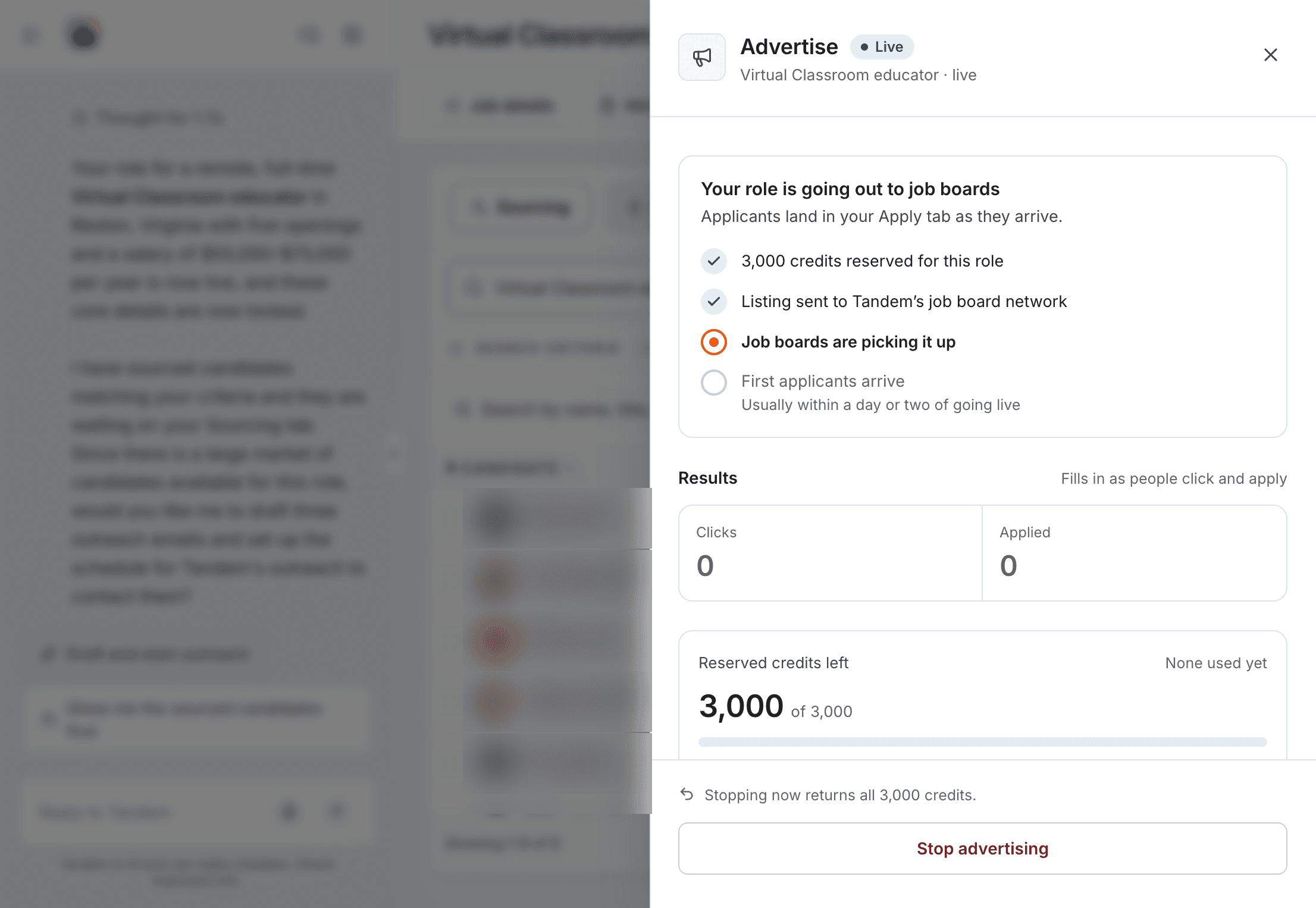
The Advertise panel tracks the ad's progress, Clicks, Applied and the reserved credits left. First applicants usually arrive within a day or two, in the role's Apply tab.