Find candidates
Bring your own candidates
Add candidates you already have, one by one or from a CSV file, and choose who Tandem contacts.
Add people
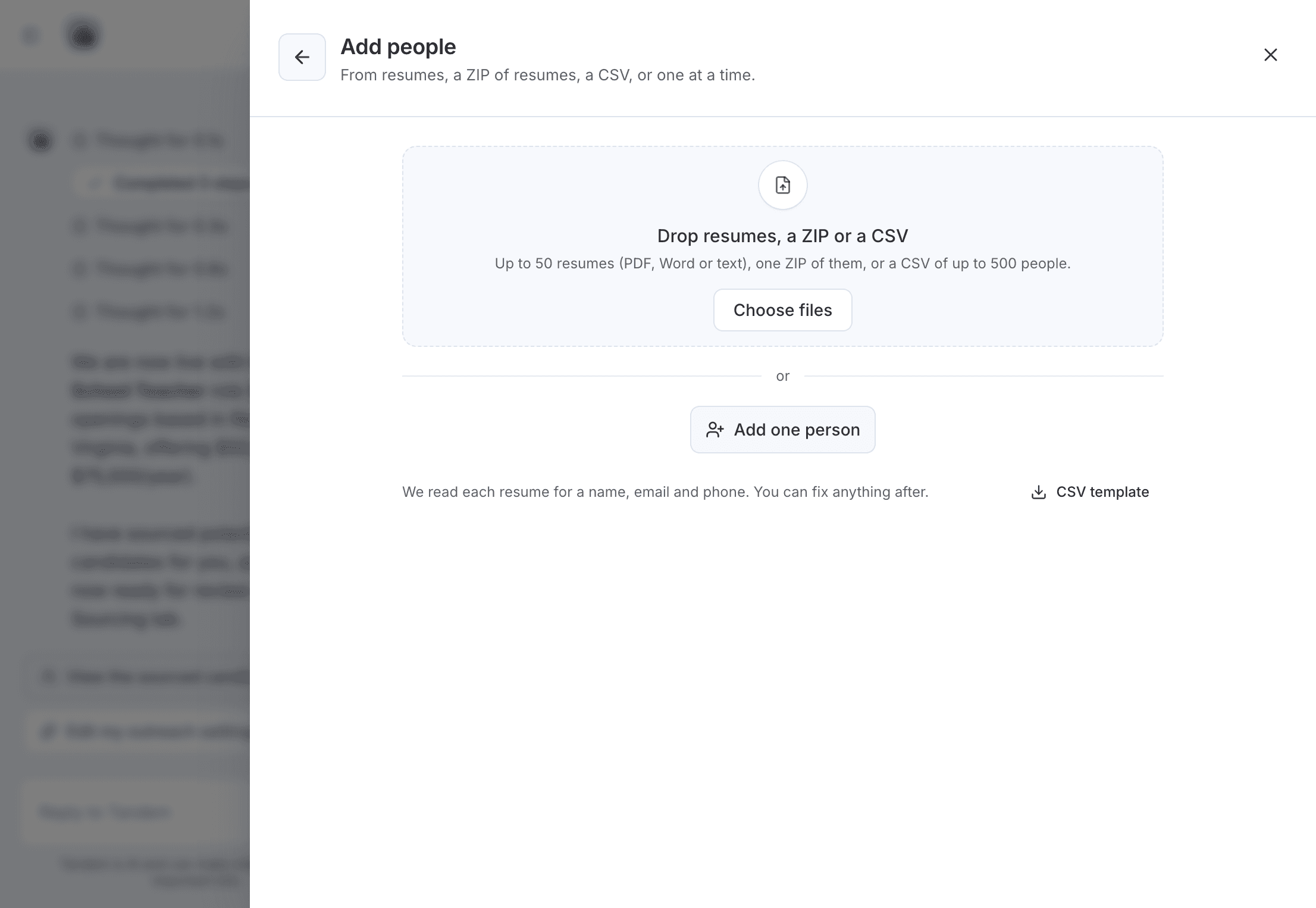
Click Import on the role to open Your candidates. Click Add people, then either:
- Add one person by hand with
Add one person. - Upload a CSV of up to 500 people (2 MB at most). Match the file's columns, then review the rows before you add them. The
CSV templateshows the expected format.
The review flags rows that need fixing, and people Already in your pipeline.
Only add people you may contact
Import only people who have given you permission to contact them.
Choose who gets outreach
Nobody you add is contacted until you choose to reach out. In Your candidates, select people and click Add to outreach. They get the role's email sequence right away.
People without an email can't be added to outreach.
Related: Set up outreach for a role