Credits and billing
How do I buy credits?
How do I buy credits? In Tandem's Settings → Billing, select Buy credits, pick a pack or a custom amount, and pay through Stripe.
You can buy credits on any plan, and purchased credits never expire.
Open Billing
Select your name in the sidebar, then Billing.
Select Buy credits
It's next to Purchased credits.
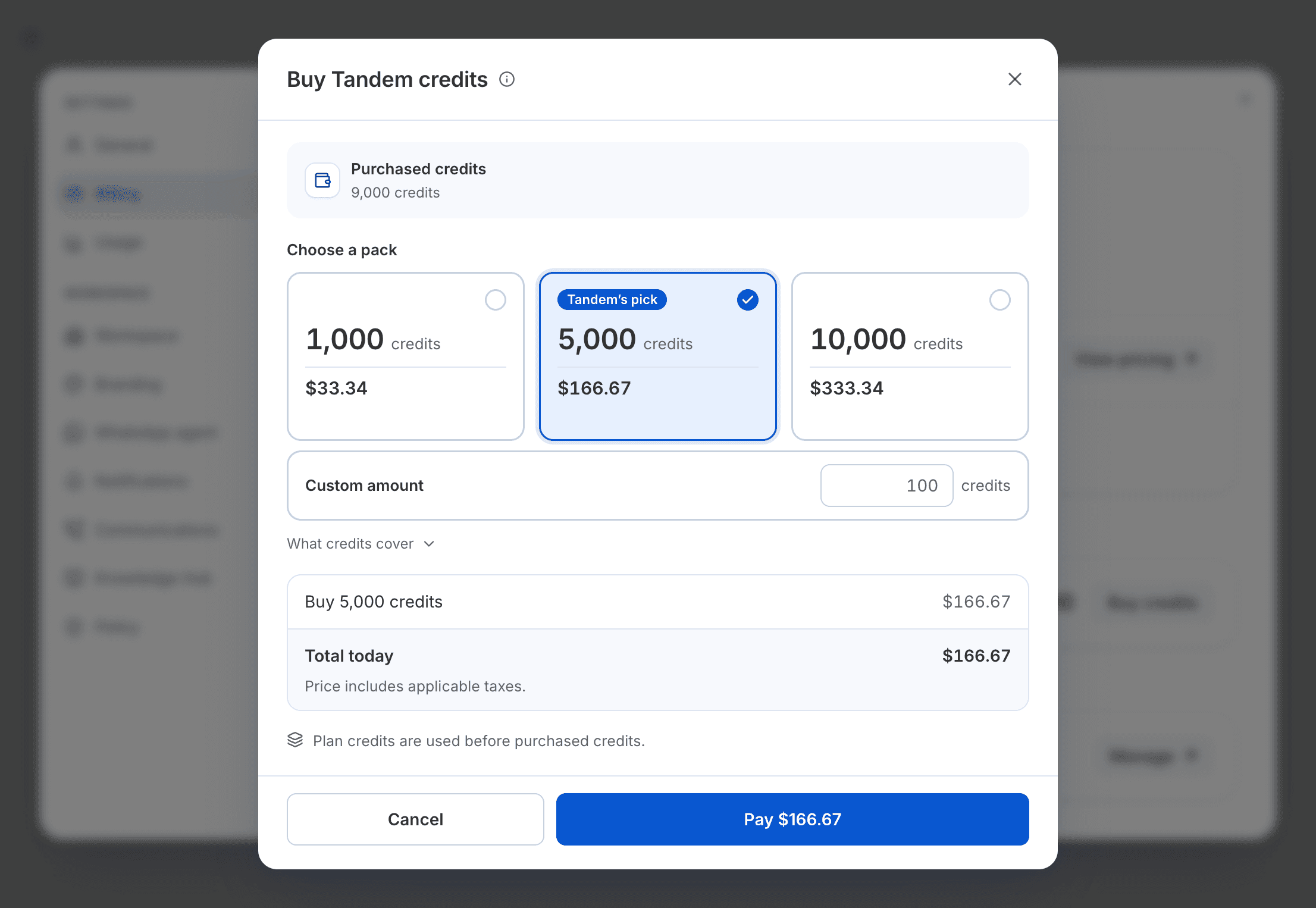
Pay
Select Pay and finish in Stripe. When you come back to Billing, the credits are added to your purchased credits.
If you run out mid-task, the Buy credits button on the out-of-credits banner opens the same window. Job ads use purchased credits only, so buy credits before you start advertising.
Related: Start advertising a role