Preview what candidates receive
Preview each Tandem outreach email as a chosen candidate gets it, with their personal line filled in, before anything goes out.
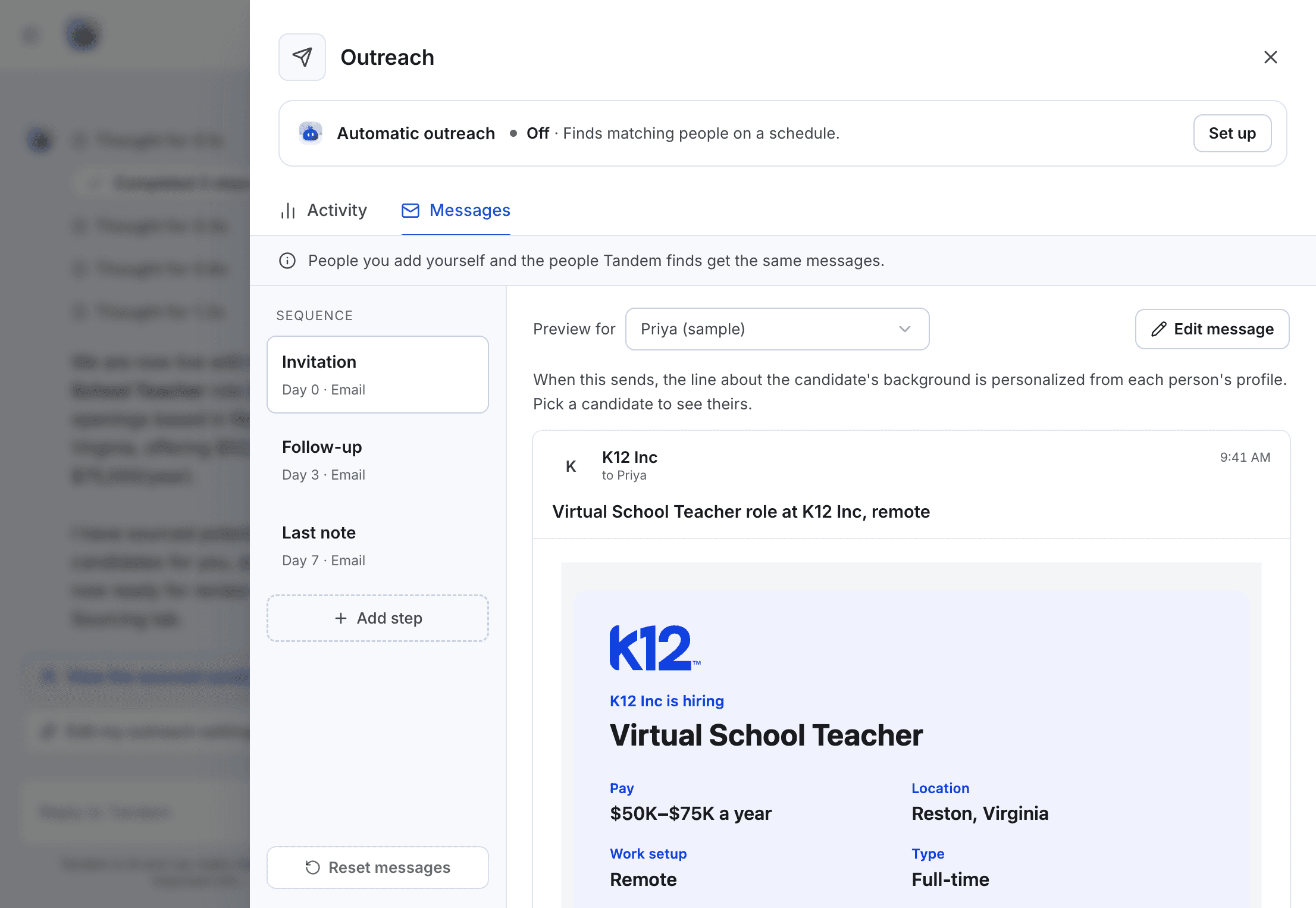
Open Outreach flow → Messages on a live role, pick an email from the sequence, and choose a person in Preview for.
What the preview shows
In Preview for you can pick one of your own candidates or one of Tandem's matches.
Each email has the role's key details and a See the role and apply button. One line is personalized from the candidate's profile, so it changes with the person you pick. Emails use your employer branding and are signed with your name, company and email.
Before you send
- The preview shows your saved emails. If you have unsaved edits, save them first to see them in the preview.
- Try two or three different people, so you can check the personalized line reads well for each.
Every outreach email also ends with a footer that explains why the candidate was contacted, with a link to the Candidate notice and an unsubscribe link.
Related: Privacy notice and opt-outs