Stop advertising and get credits back
Stop a Tandem job ad at any time and get its unused credits back, while the role stays live unless you close it.
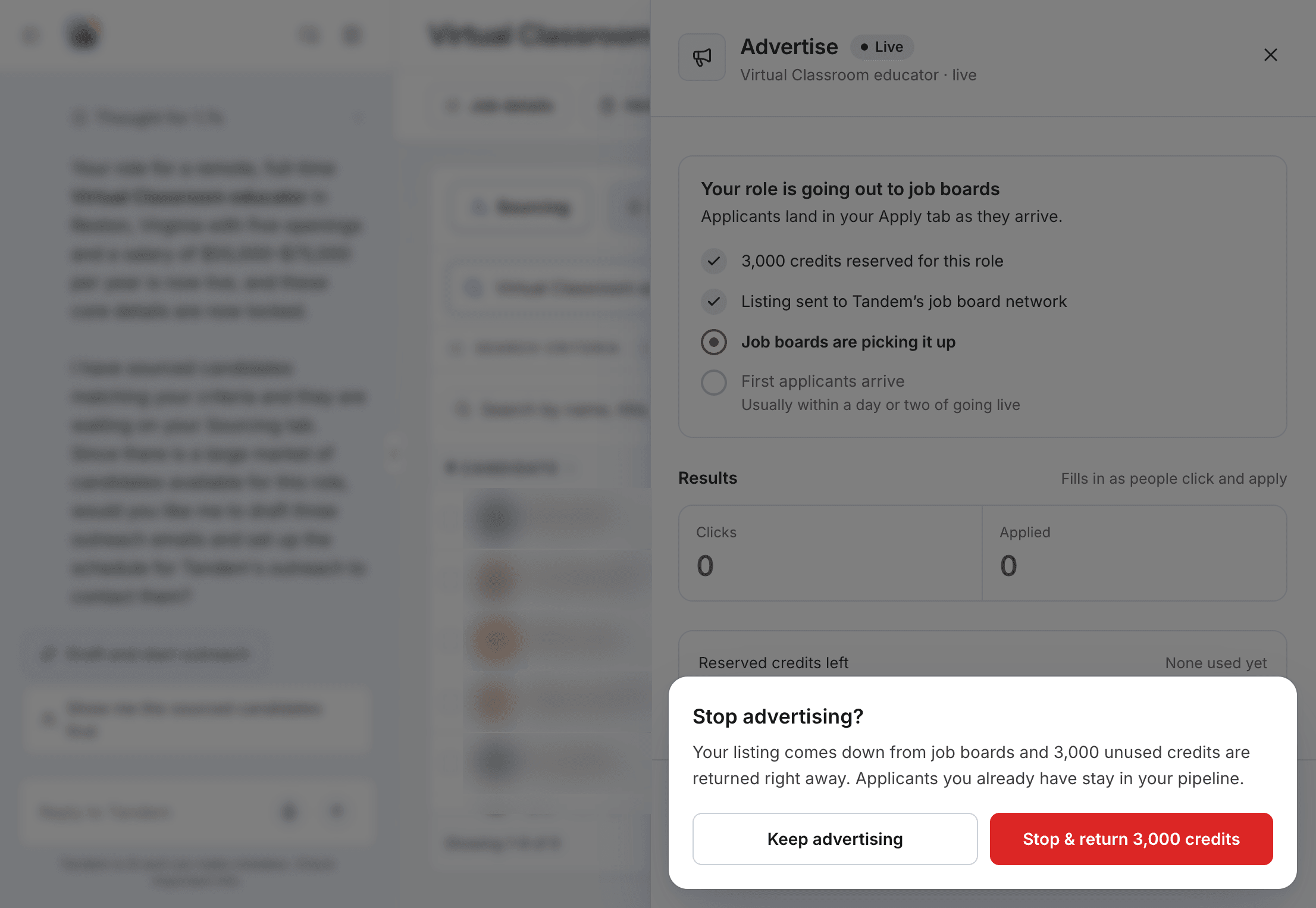
Stop the ad and keep the role live
Open the role's Advertise panel and click Stop advertising. The ad ends and unused credits return straight away. The panel shows how many credits stopping now would return.
Close the role
Close role… in the role's ⋯ menu ends the role for good. It also ends the ad and returns unspent credits. If you ask Tandem to close the role, it asks you to confirm first.
Pausing doesn't stop an ad
Pause role pauses the pipeline, but ads and outreach keep running. To stop spending on ads, use Stop advertising.
When an ad ends by itself
An ad runs for a fixed 30 days. When it ends, any unspent credits return to your purchased credits.
Your balance, including reserved credits, is in Settings → Usage.
Related: Reserved credits