Create a role from a prompt
Describe the role in a sentence, with no form to fill in, and Tandem drafts it, asking for anything missing, such as pay or openings.
Describe the role
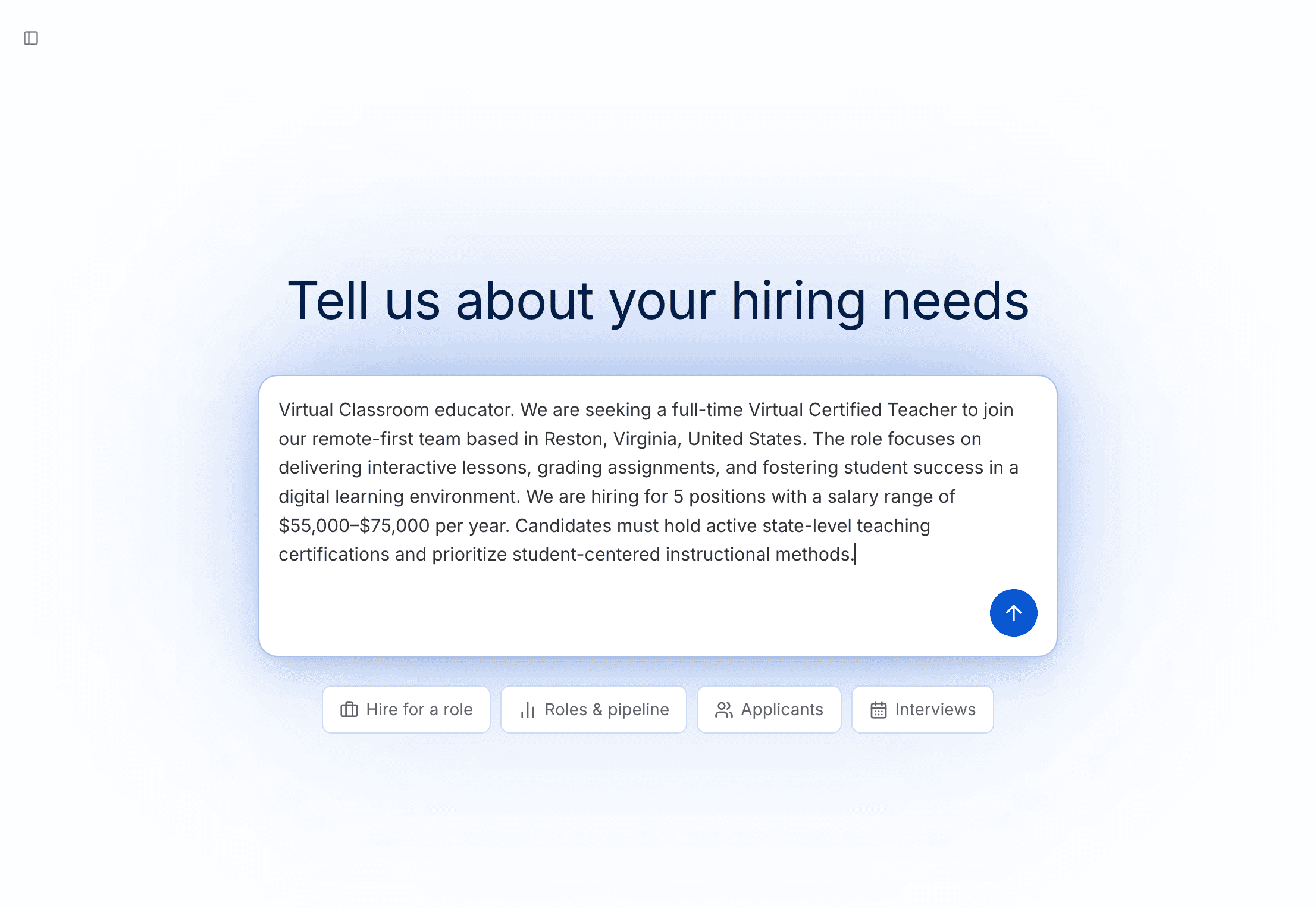
Type the role on Home
On Home, type the role, location and requirements in Tell us about your hiring needs, and press Enter.
For example: "I need 3 caregivers in Adrian, MI with CNA certification who can start within 2 weeks."
Answer Tandem's questions
Tandem asks for anything you left out: location, work mode, employment type, salary range or number of openings.
Find your draft
Tandem saves the role under Drafts on the Roles page. Click Continue setup to open it.
Tip
The more you say up front, the fewer questions Tandem asks. Include the pay, the schedule and any must-have certifications.
Start from a suggestion
Under the prompt box, the Hire for a role tab suggests roles based on what you told Tandem when you set up your workspace. Click one to fill the box, then edit it. Nothing is sent until you press Enter.
Next
Drafts aren't public. Review and edit yours before it goes live.