Get started
A tour of the app
Where everything lives in Tandem: the sidebar, a role, and the chat with Tandem that follows you from page to page.
The sidebar
| Label | What it's for |
|---|---|
Home | Start a new role from a prompt |
Dashboard | Hiring across your workspace, at a glance |
Roles | Every role, drafts first |
Applicants | Candidates across all your roles |
Calendar | Your interviews and bookable times |
Feedback | Send a note to the Tandem team |
| Your name | Opens Settings: credits, plan, workspace, branding |
Related: Scheduling and your calendar · Send feedback
Inside a role
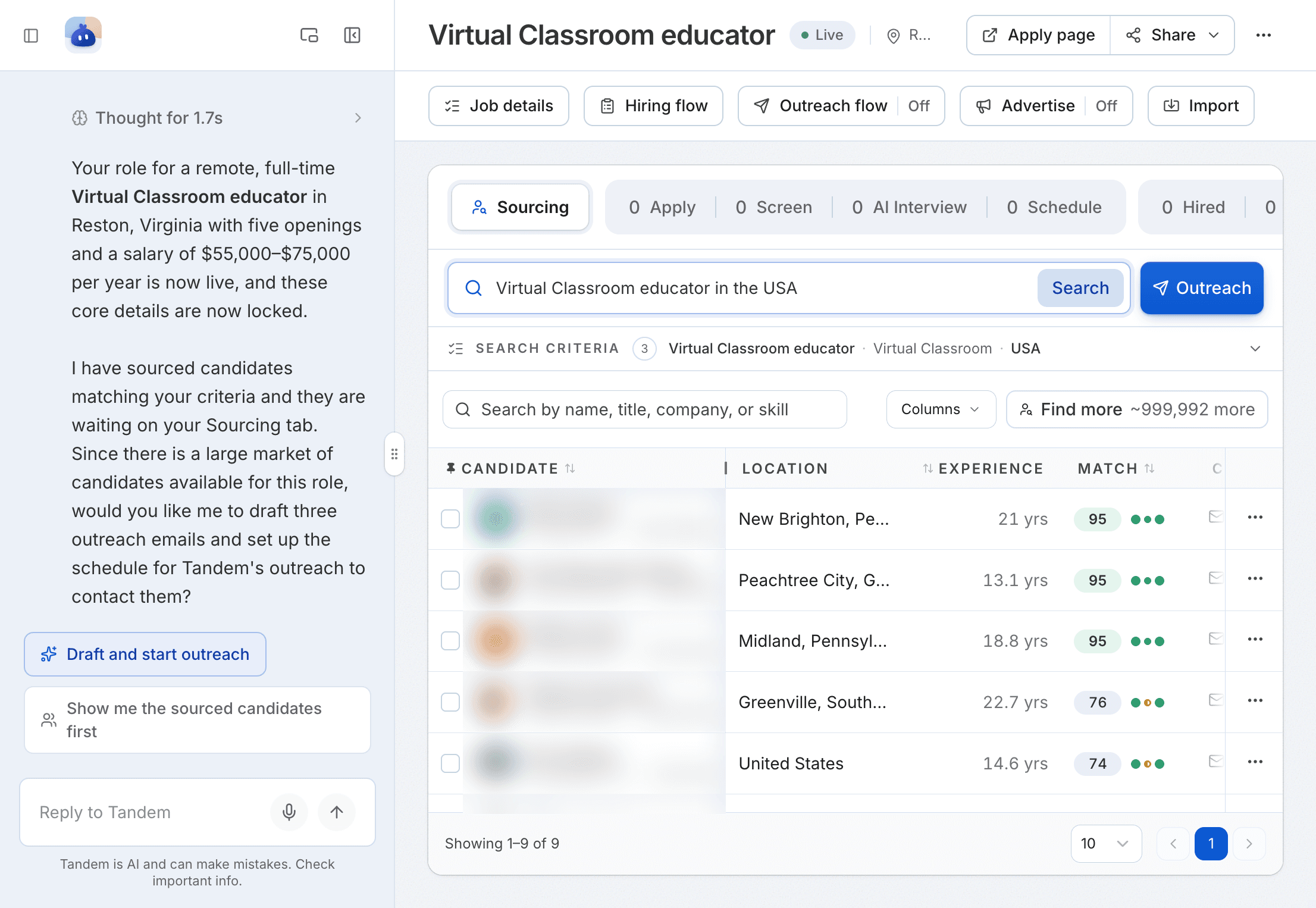
Related: Roles overview
Talking to Tandem
Outside a role, click Tandem, top right. Tandem knows which page you're on, so you can ask about what you see. To make room, collapse the chat to a Reply to Tandem bar.
You can also use Tandem from your phone. Connect your number in Settings → WhatsApp agent.
Related: Prompt library