Find candidates
Review candidates before outreach
Check why Tandem matched a sourced candidate before adding them to outreach: the match score is a guide, and you decide.
Open a profile
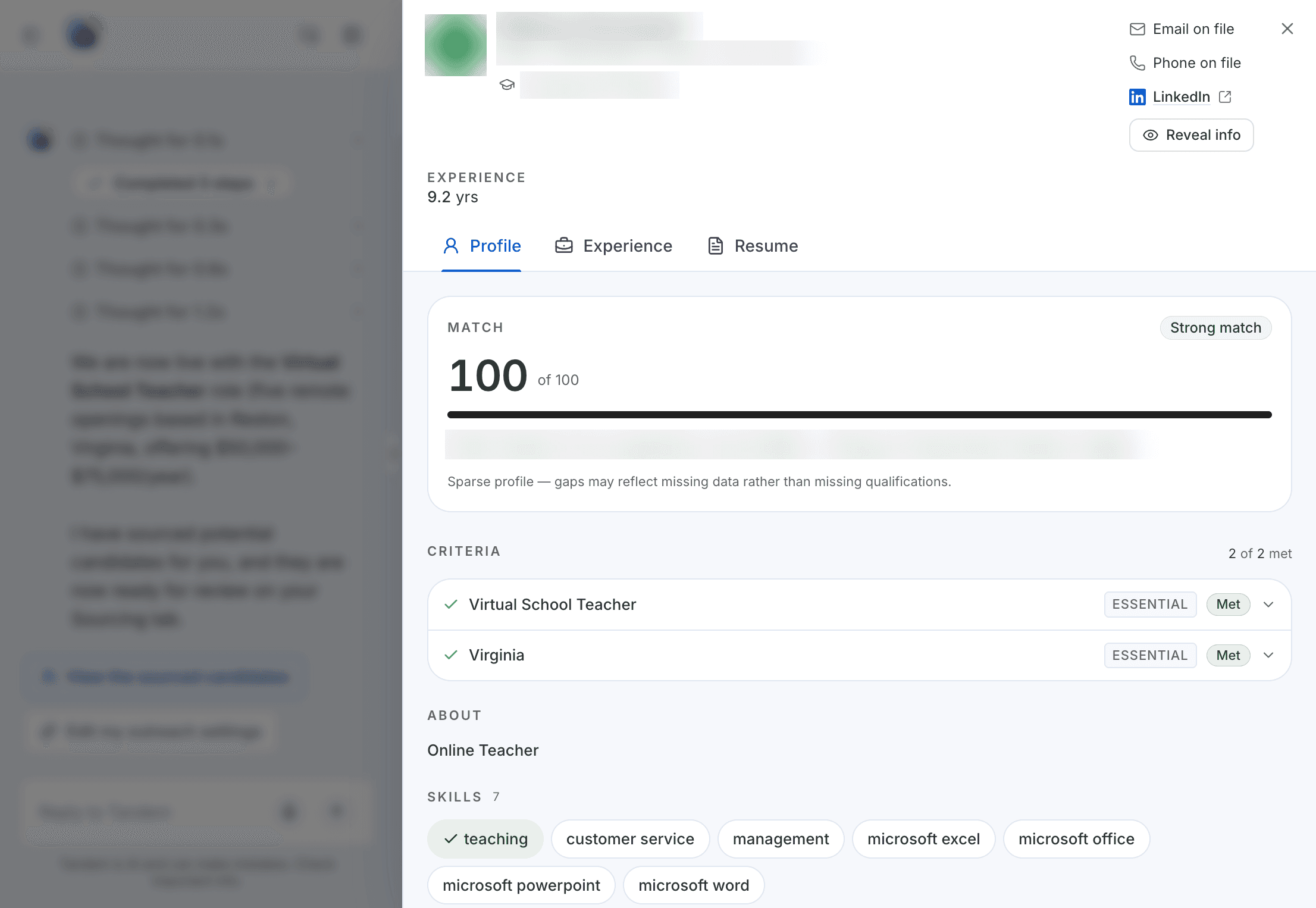
In a role's Sourcing results, click ⋯ on a person, then View details. The profile has three tabs:
Profile: match score out of 100, with evidence per criterion.Experience: the person's work history.Resume: their resume.
What to check
- Do the
Essentialcriteria, which matter most, have real evidence, not just a related job title? - Does the location and experience fit the role?
- Is there an email on file? Outreach is sent by email, so a person without one can't be added.
Add them to outreach
Select the people you want and click Add to outreach. They get the role's email sequence right away. To see what they'll receive first, use Preview for in Outreach flow → Messages.
Related: Preview what candidates receive